How do I cancel my subscription?Updated 3 months ago
You can cancel your subscription at any time, no questions asked.
Please note that canceling your subscription does not automatically cancel any existing orders already in process. Since we strive to fulfill orders as quickly as possible, if your order has already been processed and shipped at the time of your request, we may not be able to honor the cancellation. However, we will always do our best to accommodate when possible.
To cancel your subscription, follow these steps:
First, login into your portal: https://www.floura.com/account/login
You will receive a 4-digit login code via email (and SMS if you added your phone number to your account while checking out)
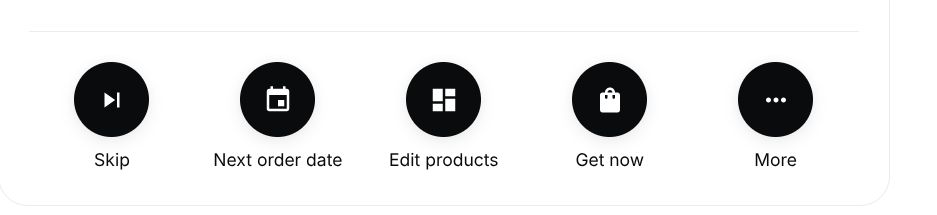
Click "More" on the panel of options
Select "Cancel Subscription”